For most UK homes the best IPTV box UK shops sell is a Fire TV Stick or a good Android TV box: both are affordable, fast enough for HD and 4K, and supported by the apps we recommend. Choose a device with a modern processor, enough storage and a wired network port if possible, buy it from a UK retailer for the warranty and avoid boxes sold as “fully loaded” with software you did not choose.
Search for an IPTV box UK retailers sell and you will find everything from a small stick that plugs into the back of your TV to larger boxes with their own remote and menu. They all do the same basic job: connect to your broadband, run an IPTV app and send the picture to your TV over HDMI.
So how do you choose? The difference comes down to speed, ease of use, storage and how well the device works with the app your provider recommends. This guide covers each type, the specifications that matter and a simple buying checklist. If you have not chosen a service yet, start with our guide to the best IPTV UK options, and read about picking a seller in our IPTV providers UK guide.
Table of Contents
- What Is an IPTV Box UK Viewers Need?
- The Main Types of IPTV Box UK Buyers Choose
- What to Look for in an IPTV Box UK Shoppers Can Rely On
- Wi-Fi or Ethernet?
- Where to Buy and What to Avoid
- Setting Up Your IPTV Box
- Frequently Asked Questions
What Is an IPTV Box UK Viewers Need?
An IPTV box is simply a small computer for your TV. It does not contain any channels itself. Your IPTV service supplies those over the internet, and an app on the box shows them. That means the box has to do three things well: connect reliably to your network, run the player app smoothly and output a clean picture to your TV.
You may not need to buy anything. Many Smart TVs run IPTV apps directly, and a phone, tablet or Windows PC can work too. But a dedicated device usually gives a faster, smoother experience, especially on older TVs with slow built-in apps. If you want to compare every option, our IPTV setup guide lists the app for each device.
The Main Types of IPTV Box UK Buyers Choose
Here is how each kind of IPTV box UK shoppers consider compares in everyday use.
1. Fire TV Stick
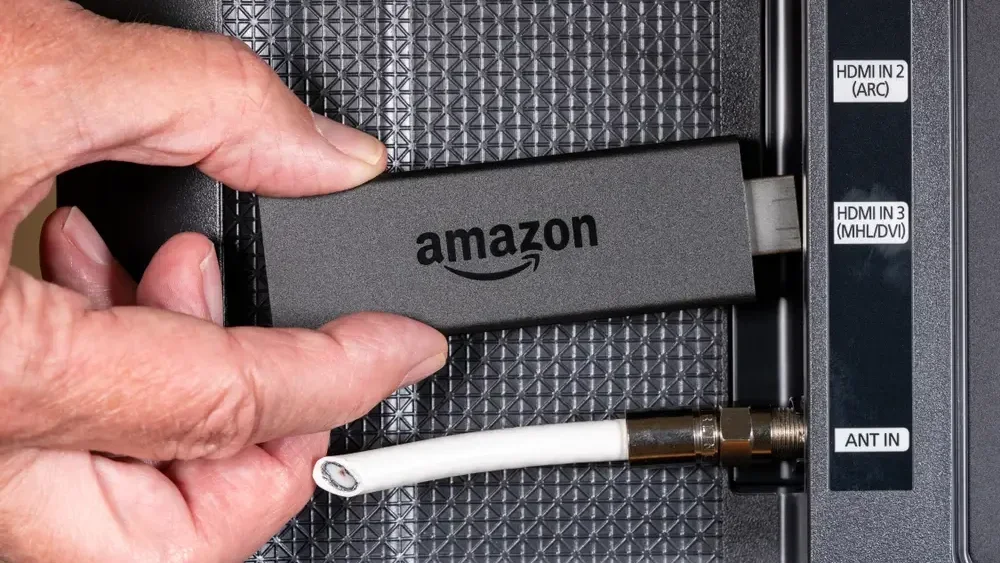
The Fire TV Stick is the most popular IPTV box UK viewers buy, and it is easy to see why. It is small, inexpensive, plugs into any spare HDMI port and has a simple remote. It is also the device we know best: for a Firestick we recommend Edge Player, installed with the Downloader app using the code 2385038. Newer models handle 4K and a lot of streams smoothly. The downside is limited storage, which matters only if you install many apps.
2. Android TV box
An Android TV box is a slightly bigger device with a wired network port, more storage and often a faster processor. It suits people who want ethernet, extra apps or a more powerful machine. Android boxes use the same Edge Player and Downloader method as the Firestick, so setup is almost identical. Quality varies between brands, so check recent reviews and a clear warranty before you buy.
3. Google TV and streaming boxes
Google’s own streaming devices and branded Android TV boxes run a polished interface and generally receive updates for longer. They are a good choice if you also want mainstream streaming apps, and IPTV players work well on them. They cost more than a stick, so they make sense when the same device will serve the whole household.
4. Dedicated IPTV boxes
Some boxes are built specifically for IPTV and come with their own menu, usually called a launcher or portal. They can be pleasant to use, but setup often differs from a Firestick or Android box. If you are thinking of one, message us before you buy and we will tell you which app and steps would apply to it.
5. Your Smart TV
If your Smart TV is recent and fast, you may not need a box. Samsung, LG and other non-Android Smart TVs can use IBO Player, while Android TVs follow the box method above. If the TV’s menus feel slow, a stick will usually give you a smoother result.
What to Look for in an IPTV Box UK Shoppers Can Rely On
You do not need to read a long spec sheet. These are the features that make a difference when you choose an IPTV box UK homes will use every day:
| Feature | Why it matters | What to aim for |
|---|---|---|
| Processor and memory | Keeps menus and channel changes quick | A recent model, not the cheapest on offer |
| Storage | Room for apps and updates | Enough free space for the player app and updates |
| Network | Streams need a steady connection | Modern Wi-Fi, or an ethernet port if you can use it |
| Video output | Sets the picture quality you can see | HD at least, 4K if your TV supports it |
| Remote | You will use it every day | Simple layout with a working home button |
| Warranty | Protects you if it fails | A UK seller with clear return terms |
Match the specifications to your use. If you only watch HD on a small bedroom TV, a basic stick is plenty. If you plan to stream 4K on a large TV, choose a device that clearly states 4K support.
Wi-Fi or Ethernet?
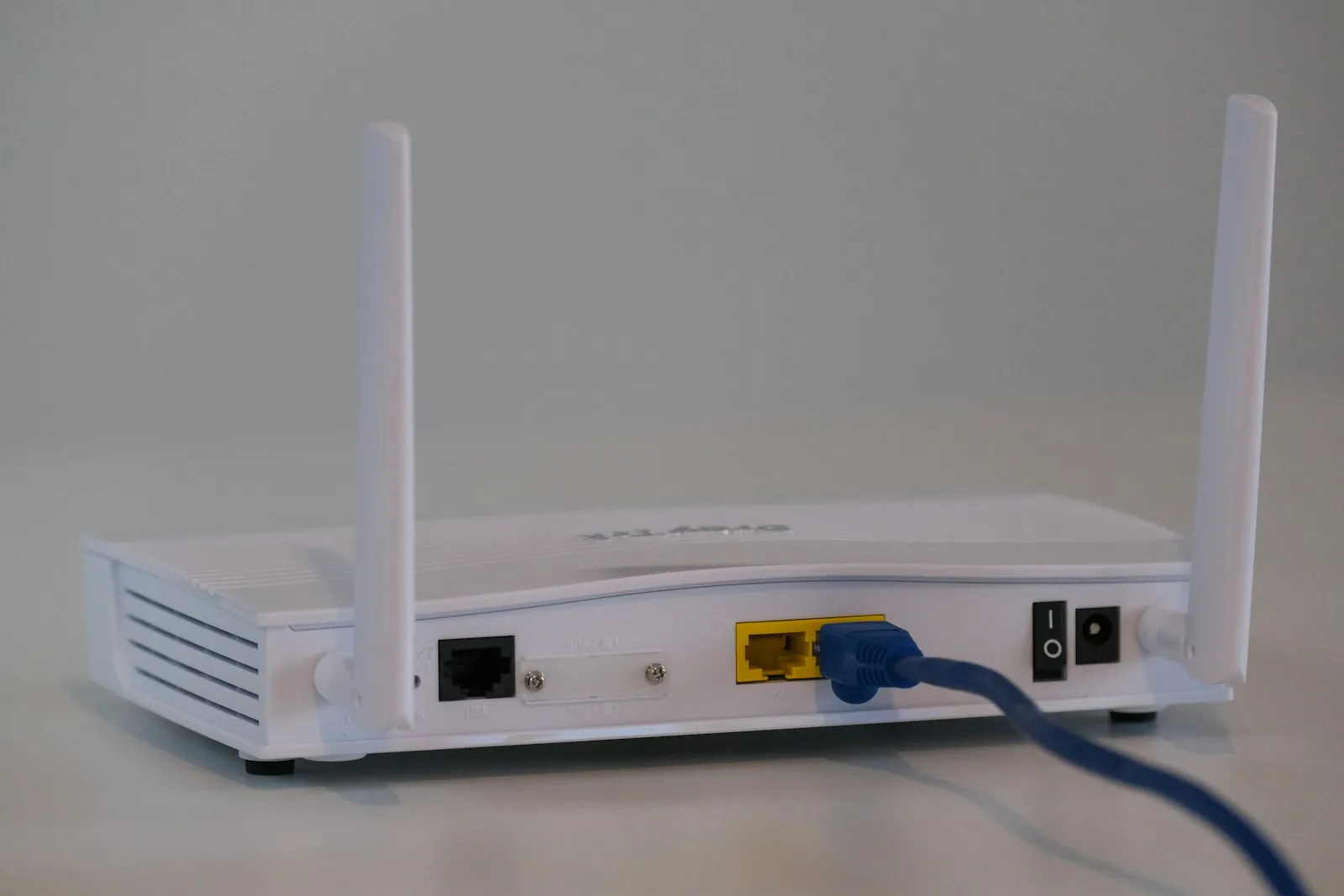
Your IPTV box UK setup is only as good as its connection. A wired ethernet cable is the most stable option and the best fix for buffering, so use one if your device and router are close enough. If you rely on Wi-Fi, place the box where the signal is strong and keep the router in a central spot.
For smooth HD, aim for a steady 10 Mbps or more. For 4K, 25 Mbps or more gives the best results. Most UK fibre connections meet this, but weak Wi-Fi can still spoil the picture.
Where to Buy and What to Avoid
Buy your IPTV box UK shops stock from a reputable retailer, in store or online. You get a proper warranty, UK-compatible plugs and easy returns under normal consumer rules.
Be careful with boxes advertised as “fully loaded” or pre-installed with apps and subscriptions you did not choose. They often come with unclear software and no support, and the seller may disappear. A plain device, with a service you choose yourself, is safer and cheaper in the long run.
- Check recent reviews from UK buyers and look for a clear return policy
- Avoid unbranded boxes with no model name or warranty
- Confirm the box supports the app your provider recommends
- Keep the receipt and the box packaging in case of a fault
Setting Up Your IPTV Box
Once your IPTV box UK setup is plugged in and connected, installation takes a few minutes. For a Firestick or Android box:
- Install the Downloader app from your device’s app store.
- Open Downloader and enter the code 2385038.
- Let it install Edge Player.
- Open Edge Player and enter the login details we send you on WhatsApp.
Full instructions for every device are in our IPTV setup guide. If you want to test the service on your new box before paying, ask for an IPTV UK free trial first.
Frequently Asked Questions
For most homes, a Fire TV Stick or a reputable Android TV box. Both are affordable, run the apps we recommend and handle HD and 4K. The best choice for you depends on your TV, your broadband and whether you can use an ethernet cable.
A recent Smart TV can often run an IPTV app directly. A separate box or stick usually feels faster, especially on older TVs, and is easy to move between rooms.
Yes. It is the most popular choice, simple to set up and inexpensive. We recommend Edge Player on a Firestick, installed with the Downloader app and the code 2385038.
No. A box is only the device. Channels come from your IPTV service, which you subscribe to separately. Be cautious about any box sold with channels or subscriptions already included.
About 10 Mbps for HD and 25 Mbps or more for 4K. A wired connection is more reliable than Wi-Fi for steady streaming.
Conclusion
The right IPTV box UK homes choose is the one that fits the TV, the broadband and the app. A Fire TV Stick or a good Android TV box covers most needs, a wired connection removes most buffering and buying from a UK retailer protects you if something goes wrong. Keep it simple, avoid pre-loaded boxes and test your service before you pay.
Ready to try it? Check the pricing section, compare sellers in our IPTV providers UK guide, or contact us with any question about your device.
Not sure which device suits you? Message us and we will help you choose, then set up your free trial.
Request Free Trial on WhatsApp